
Build it once. It shows up everywhere.
The problem: one opt-in box shouldn’t mean editing 800 posts. Pasting it in by hand takes days, changing it later means doing it all again, and widgets only reach the sidebar.
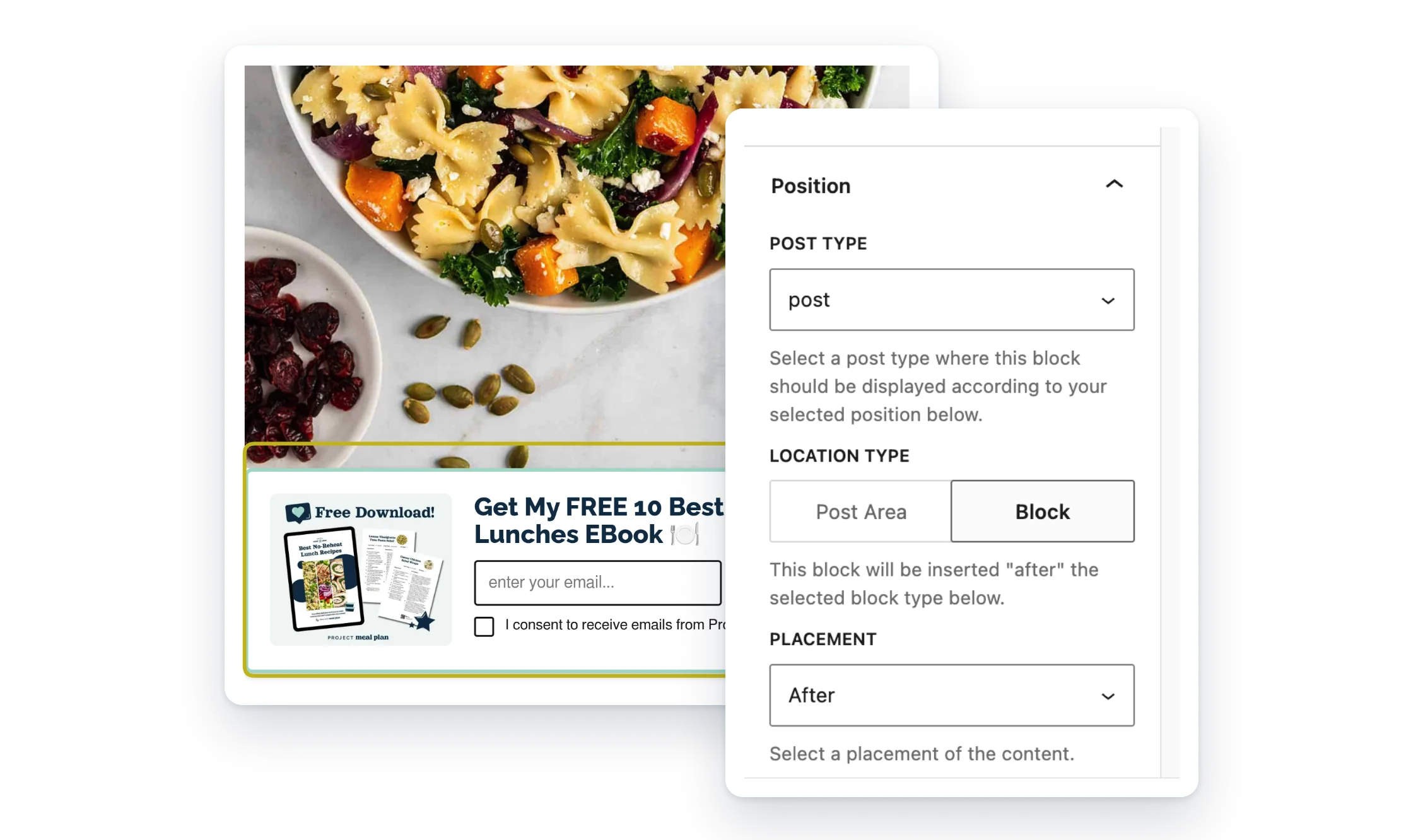
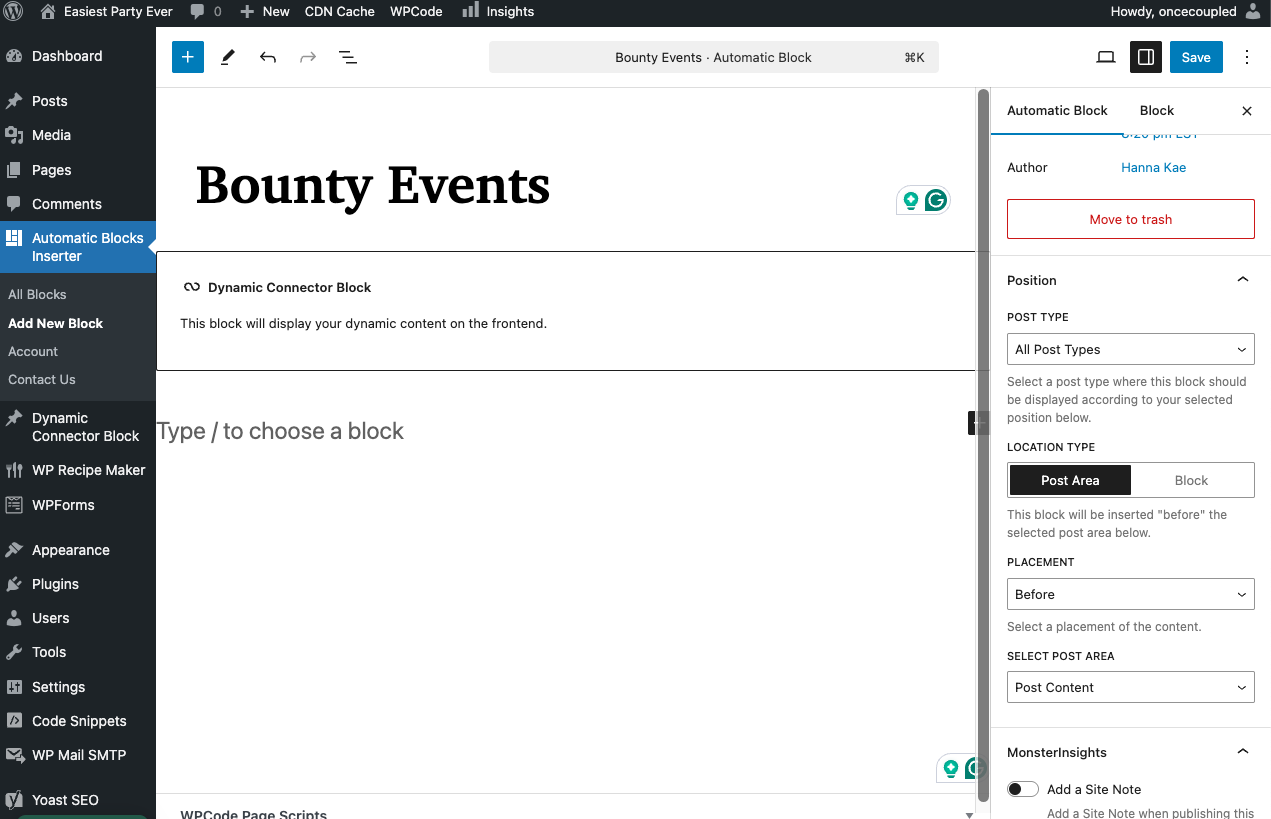
Pick a block, choose where it goes, and Automatic Block Inserter adds it to every matching post when the page loads. Nothing is saved into your posts.
- Any content. An email opt-in, an ad, an affiliate box or a disclosure.
- Right where you want it. Before or after the post, or next to a block.
- Change it in one place. Edit it once and every post updates.
What Pro adds
Feature
Free
Pro
Insert before or after the post content
✓
✓
Insert next to a paragraph, image or any core block
✓
✓
Posts and pages
✓
✓
Custom post types
—
✓
Blocks from other plugins, like a recipe card
—
✓
Count from the bottom (last paragraph, second to last)
—
✓
Top-level blocks only
—
✓
Email help from real people (Pro, 1 site)
—
✓
Screenshots


FAQ
Does it change my posts?
No. Your content is added when the page is shown. Nothing is saved into your posts, so removing an automatic block removes it everywhere.
Can I have more than one automatic block?
Yes. Each one has its own placement settings.
Is Pro included in the membership?
Yes. The membership includes Pro for every plugin, plus the members-only plugins.
Can I get a refund?
Yes. The first purchase of each plugin or plan can be refunded within 14 days. Here’s our refund policy.
Write a Review
You must log in to submit a review.