Blur images until readers choose to see them.
The problem: some images, like medical photos or graphic content, shouldn’t surprise readers as they scroll.
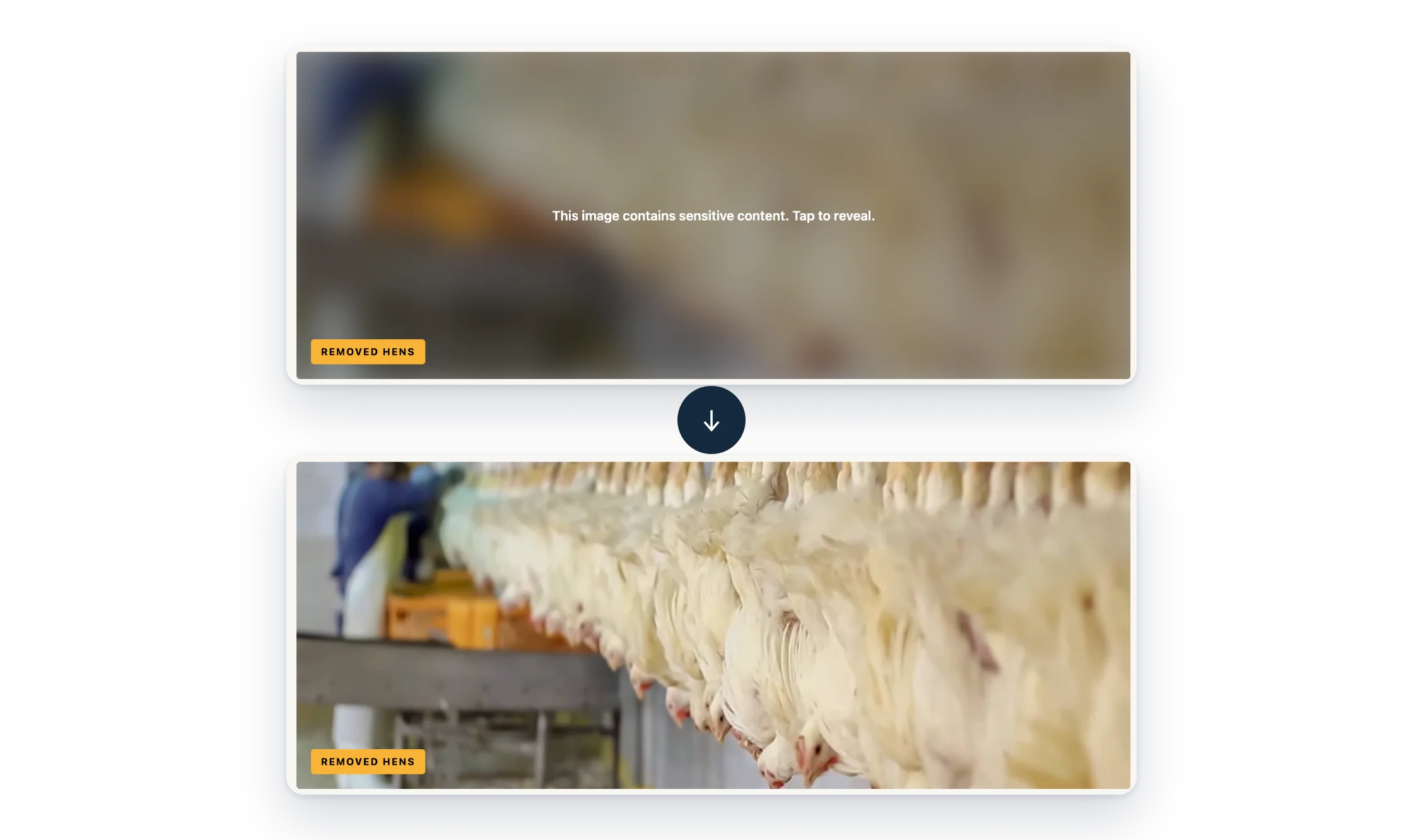
Sensitive Image adds a Sensitive style to Image and Cover blocks. Visitors see a blurred version with a warning until they choose to reveal it.
- One block style. For Image and Cover blocks.
- Reveal on their terms. With a click, a tap or the keyboard.
- Lightweight. A small script and CSS, with no libraries.
Free, all of it
Every feature is free. There’s no Pro version.
Screenshots
FAQ
Does this protect the original image file?
No. It’s a visual warning only. The image is blurred on the page, but the original file and its URL are still accessible.
Does the reveal stay after reloading the page?
No. Every page load starts blurred.
Does it need any JavaScript libraries?
No. It uses a small plain JavaScript file and CSS, with no other dependencies.
Does it change my saved content?
Only by adding the block style class (is-style-sensitive) like any other block style. Switch the block back to its default style and the blur is gone.
Write a Review
You must log in to submit a review.