
Only see the patterns you use.
The problem: themes and plugins fill the inserter with patterns you’ll never use, so finding your own takes scrolling.
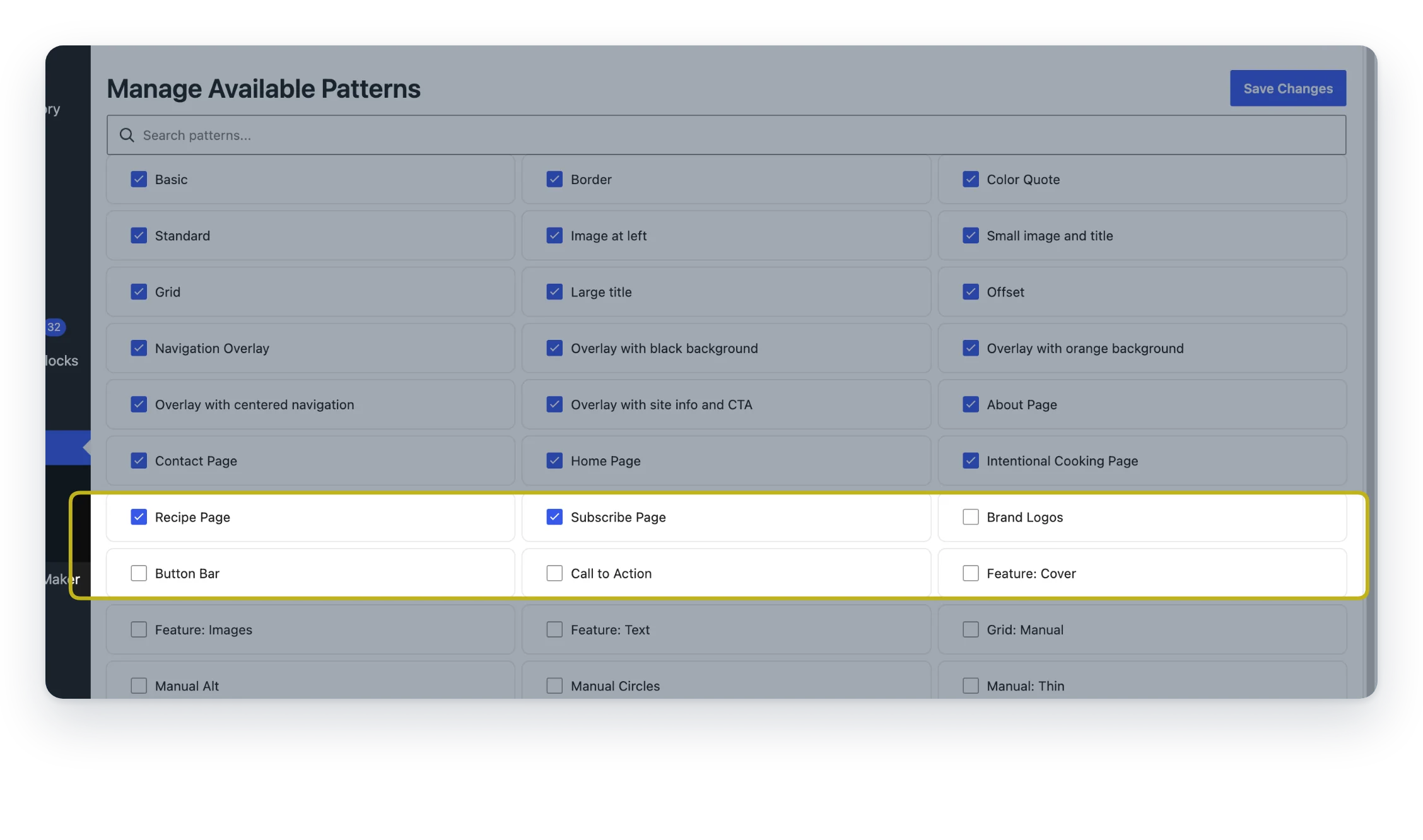
Manage Available Patterns gives you one screen to hide the patterns you don’t need. Bring any back with a checkbox.
- One screen. Every registered pattern in one list.
- Hide with a checkbox. And bring it back the same way.
- A cleaner inserter. Hidden patterns aren’t loaded in the editor.
Free, all of it
Every feature is free. There’s no Pro version.
Screenshots
FAQ
Which patterns show up in the list?
The list shows patterns registered with WordPress by your theme, your plugins and WordPress core. Patterns you create yourself in the editor (synced or unsynced patterns saved to your site) aren’t part of that list.
Where are hidden patterns removed?
Hidden patterns are removed from what the block editor loads, so they no longer appear in the inserter. Nothing is deleted: the theme or plugin that registered them is untouched.
Write a Review
You must log in to submit a review.