
Number your photos so readers can follow along.
The problem: step-by-step photos and roundups are hard to follow when readers can’t tell which image goes with which step.
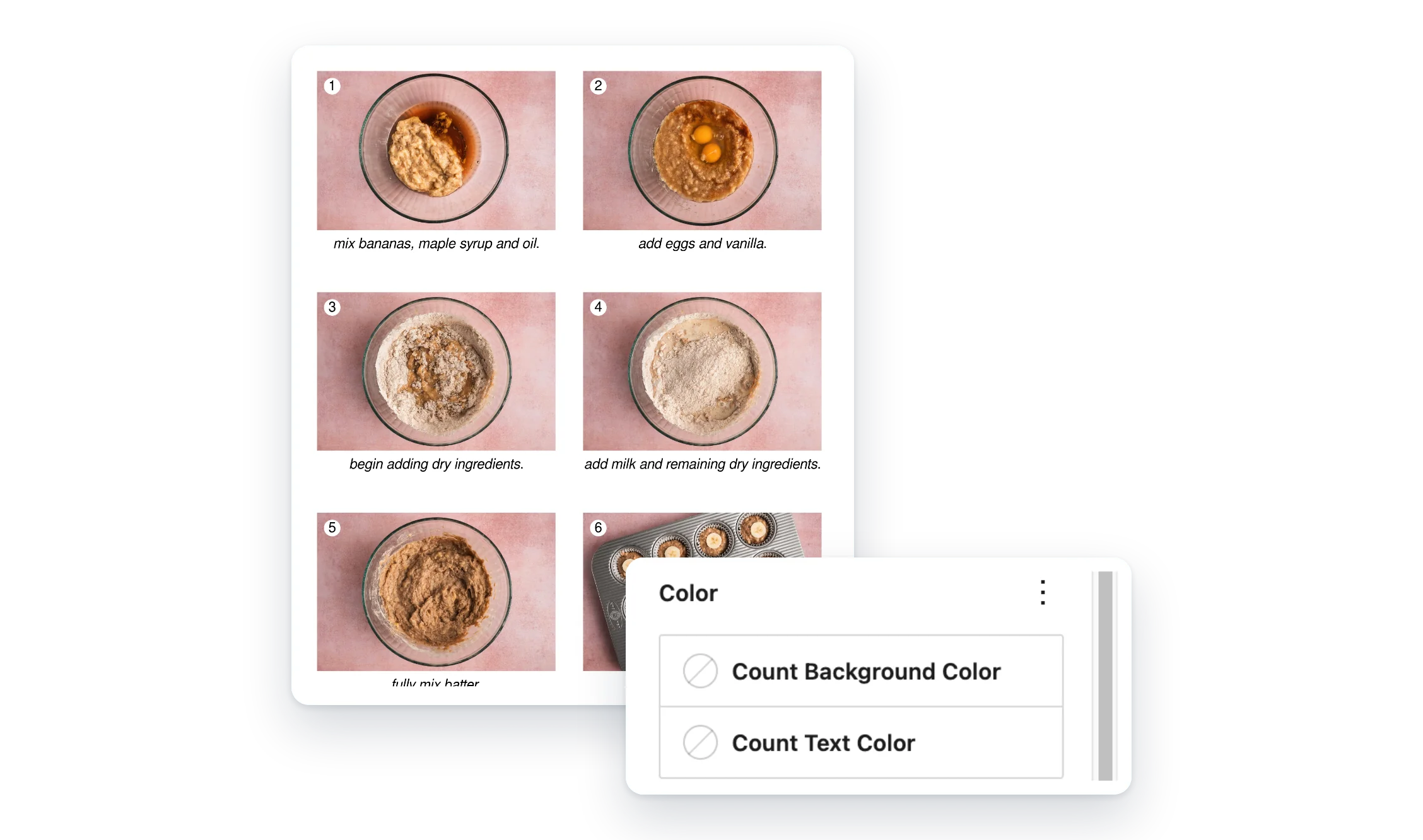
Image Overlay Cues puts a small numbered badge on your images. Choose which ones get a number, and the count updates as you add, remove or skip images.
- Numbered for you. The count updates on its own.
- Skip any image. Only the images you choose are counted.
- One count per page. Numbers keep going across columns and groups.
What Pro adds
Feature
Free
Pro
Numbered badges on images
✓
✓
Count updates automatically
✓
✓
Skip images you don’t want counted
✓
✓
Toolbar button to turn the count on
—
✓
Badge background and text colors
—
✓
Badge size
—
✓
Email help from real people (Pro, 1 site)
—
✓
Screenshots
FAQ
Can I add custom text on top of an image?
Not anymore. Custom text overlays were removed in version 2.0.0. Use the core Cover block for text on an image.
Why are my numbers wrong inside a certain layout?
That’s a known limitation. Images inside a CSS container query (container-type: inline-size) may show the wrong count.
Does the count start over in each section?
No. There’s one count for the whole page, so numbers keep going across columns, groups and other layout blocks.
Write a Review
You must log in to submit a review.