Find the post you meant to link.
The problem: link suggestions in the editor fill up with media files, so the post you want gets buried.
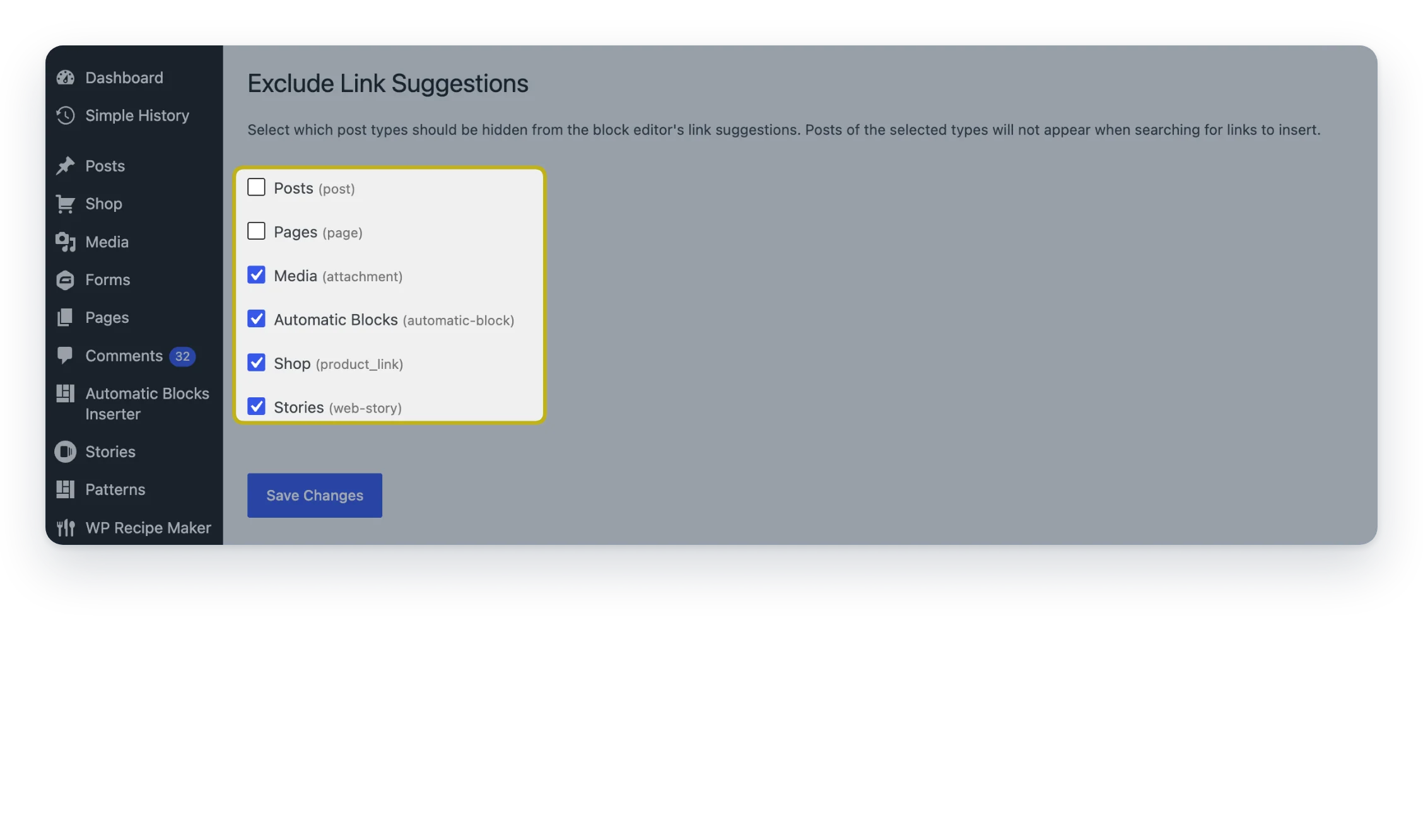
Exclude Link Suggestions keeps media and other clutter out of the editor’s link search. Media is hidden as soon as you activate it.
- Works right away. Media is excluded by default.
- Hide more. Choose other post types and taxonomies.
- Editor only. Your Media Library and site don’t change.
Free, all of it
Every feature is free. There’s no Pro version.
Screenshots
FAQ
Do I have to set anything up?
No. Media is excluded by default. Visit the settings page only if you want to hide more.
I want media back in my link suggestions. How?
Go to Settings → Exclude Link Suggestions, uncheck Media and click Save Changes.
Can I still link to a media file?
Yes. Paste the file’s URL into the link field. The plugin only removes items from the search suggestions.
Does it change my Media Library or the front end of my site?
No. It only filters searches made from the post editor (post.php, post-new.php) and the Site Editor (site-editor.php). Nothing is deleted or hidden on your site.
Write a Review
You must log in to submit a review.