
Show how much a recipe takes at a glance.
The problem: readers decide in seconds whether a recipe fits their night. An ingredient list buried in the recipe card doesn’t help them decide.
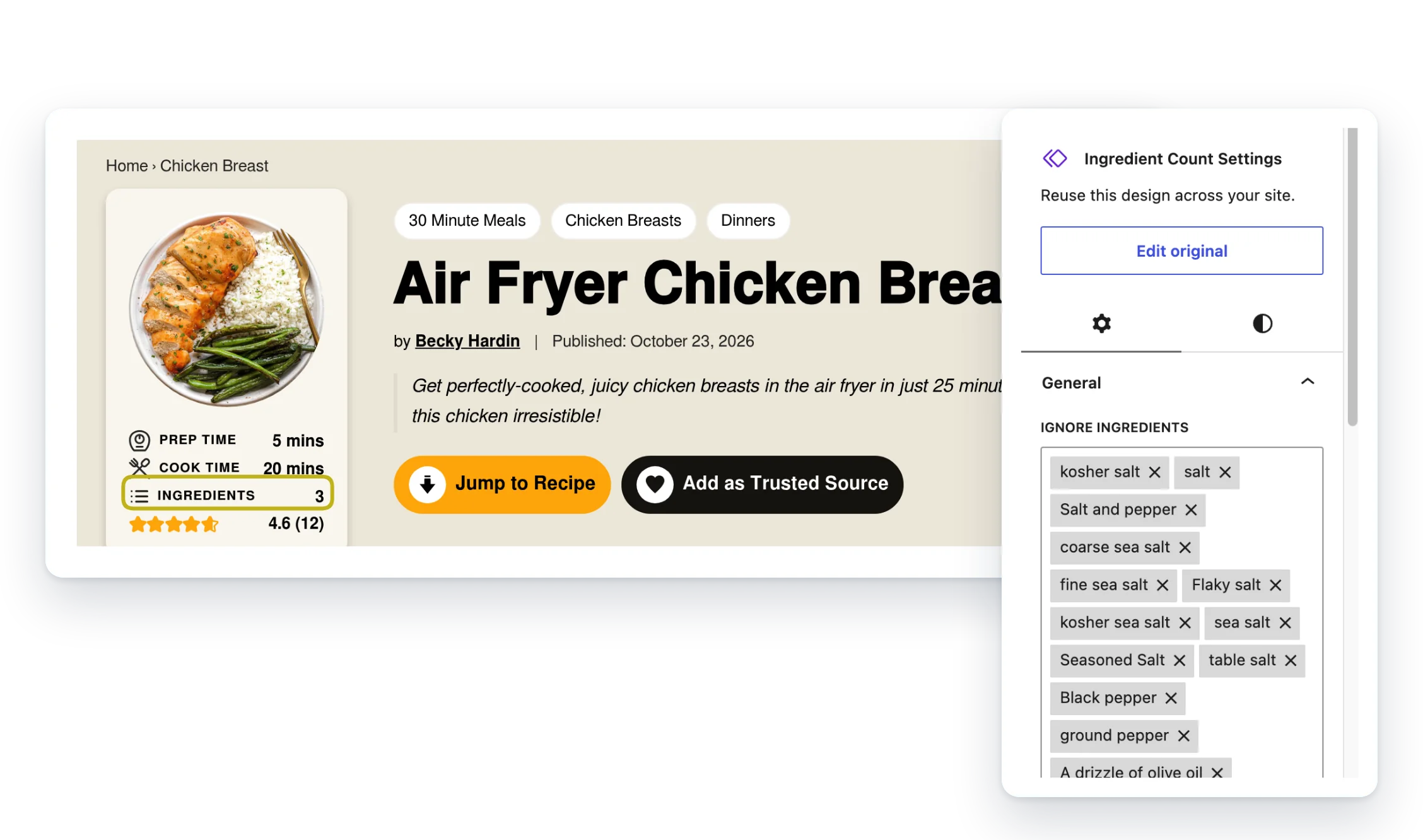
Display Ingredients Count adds a block that shows how many ingredients a WP Recipe Maker recipe needs. Put it in a post or in your template.
- Counted for you. Pulled straight from the recipe card.
- Leave out the extras. Skip optional ingredients or ones you pick.
- Headings don’t count. Ingredient group names are left out.
Included with membership
Members only. It comes with the Small Plugins membership, along with every other plugin.
Screenshots
FAQ
My post has two recipes. Which one gets counted?
Only the first recipe found in the post.
Are ingredient group headings counted?
No. Only the ingredients themselves are counted, not the group names.
Does “optional” in the notes count?
Ignore By Optional only looks at the ingredient name and the group name. If “optional” is only in the ingredient’s notes, the ingredient is still counted.
Write a Review
You must log in to submit a review.