
How Easiest Party Ever uses Image Overlay Cues on WordPress, 8 steps
Start in your respective WordPress Admin Dashboard.
How I added Image Overlays to images in 5 minutes on my post “Let’s Get Witchy: A Witch-Themed Brunch Setup”
Click on the button “Enable overlay count”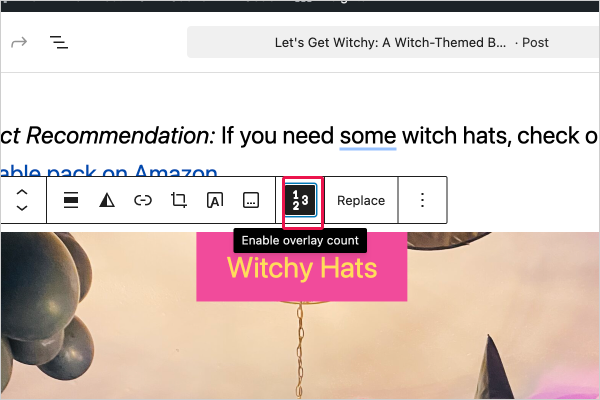 |
Click on the checkbox “Enable Custom Text” |
Choose from 3 text options that use your system fonts “Default Badge Stroke”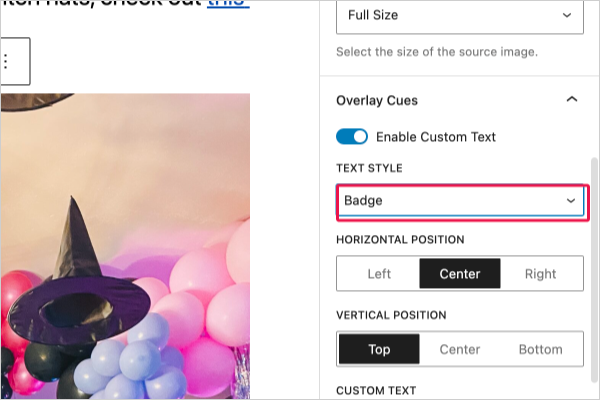 |
Input text here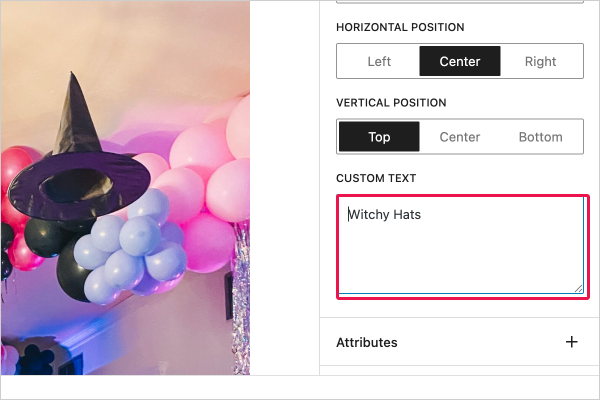 |
Click on the button “Styles” to change font & background color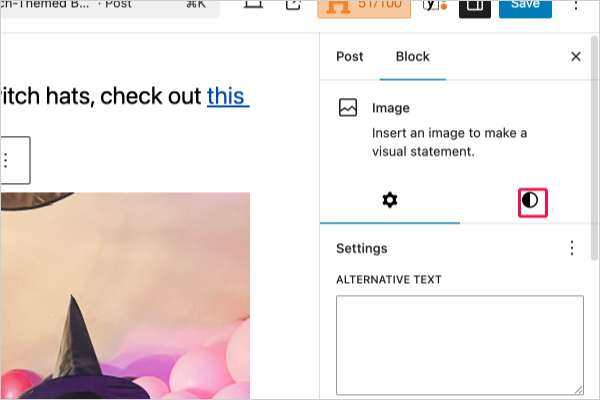 |
Assign colors how you’d like in either of these options!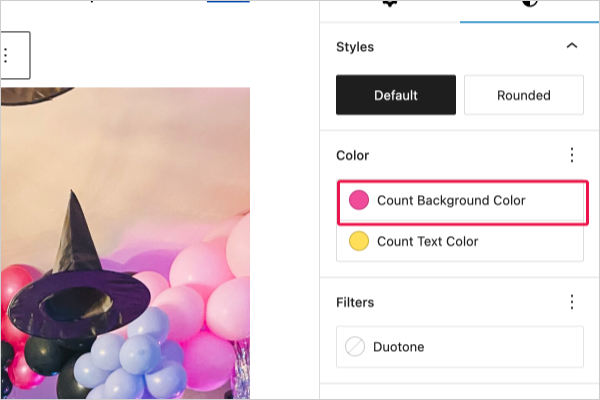 |
Here’s what I click to change font color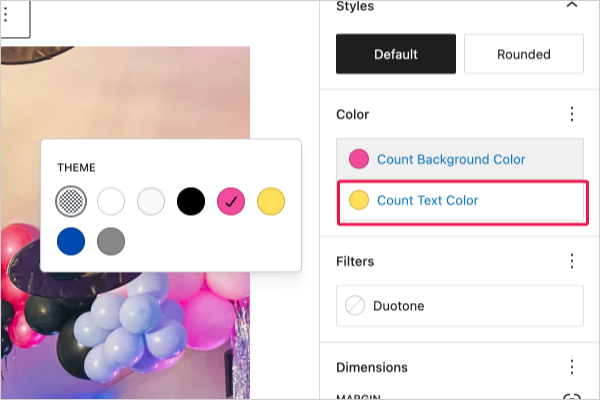 |
And this is what the final product looks like- 5 minutes later! |

Leave a Reply